Book Appointment Now
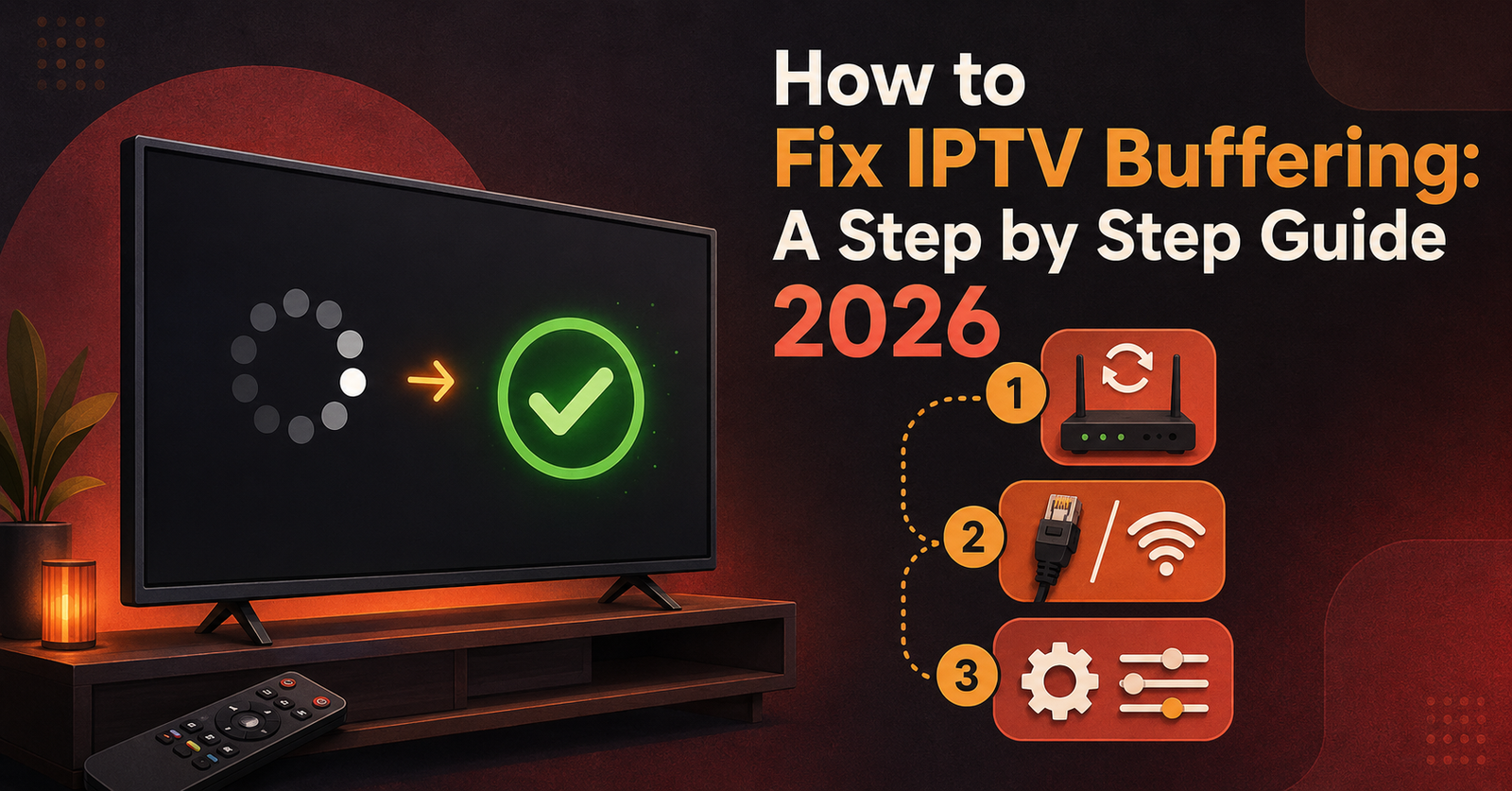
How to Fix IPTV Buffering: A Step by Step Guide 2026
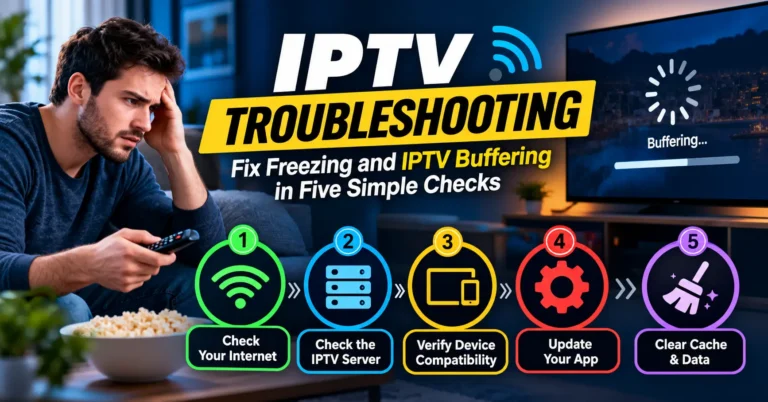
If you want to fix IPTV buffering, the fastest route is to work out whether the problem sits with your internet connection, your device, your app settings or the service itself, because each of those has a different fix and trying the wrong one wastes time. Most buffering falls into one of these four categories, and once you know which one you’re dealing with, the rest of this guide gets you there in minutes rather than hours.
Start With What the Buffering Looks Like
Buffering rarely means the same thing twice. A IPTV stream that freezes for a second every few minutes is a different problem to one that won’t load at all, and a channel that only struggles during a Saturday football fixture points somewhere else entirely.
Before touching any settings, take thirty seconds to notice the pattern:
Does it happen on one channel or every channel? A single channel misbehaving usually means the source feeding that specific channel is under strain, not your connection.
Does it happen at a particular time of day? Buffering that appears every evening between 7pm and 11pm is almost always a bandwidth contention issue, either on your home network or somewhere further along the route.
Does it happen on one device or all of them? If your phone plays perfectly but your Firestick constantly stutters, the fault lives with that device or its app, not with the wider connection.
Does it happen regardless of what else is running? If buffering appears even when nothing else in the house is using the internet, the cause is more likely to be Wi-Fi signal quality, DNS routing, or the app itself.
That quick pattern check does most of the diagnostic work before you’ve even opened a settings menu.
Check Your Connection Speed and Stability Properly
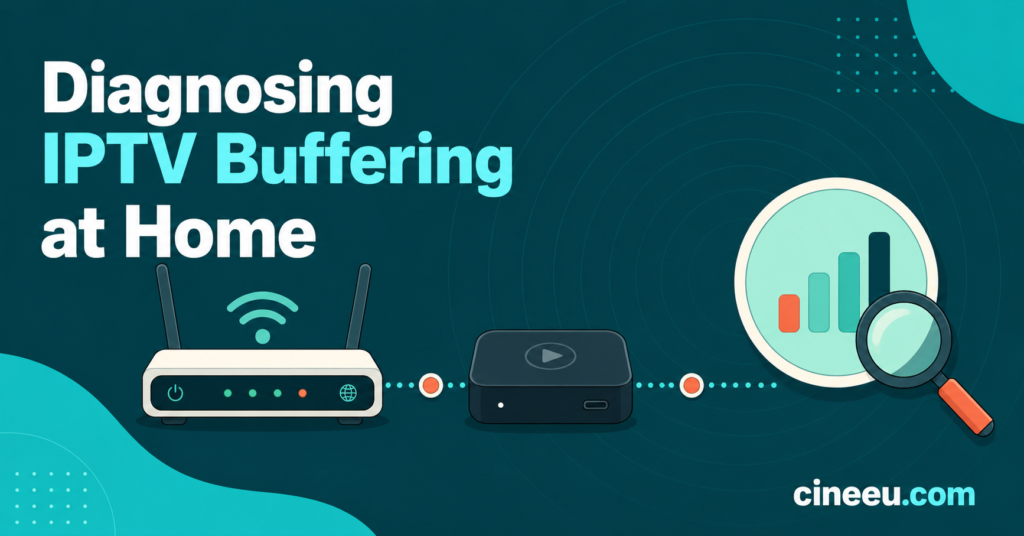
Speed tests get recommended constantly, but most people run them wrong. A single test taken right next to the router tells you almost nothing about what your streaming device is actually receiving.
Run the test from the same device that’s buffering, in the same room, at the same time the problem usually occurs. For standard definition and HD streams, aim for at least 15 to 25 Mbps of consistent download speed reaching that device. For 4K content, that figure needs to comfortably clear 25 Mbps with headroom to spare, because a stream sitting right at the minimum requirement will stutter the moment anyone else in the house opens a video call or starts a large download.
Speed is only half the picture. Stability matters just as much. A connection that averages 40 Mbps but regularly drops to 5 Mbps for a few seconds will buffer far worse than a steady 20 Mbps line, because IPTV streams need a consistent flow rather than a high peak.
Fix IPTV Buffering Caused by Wi-Fi and Router Placement
Wireless signal degrades faster than most people expect. Every wall, every floor, every large piece of furniture between your router and your streaming device chips away at the signal your device actually receives, even if the bars on screen still look full.
A few practical adjustments solve a surprising share of buffering complaints:
Move the streaming device or the router so there’s a clearer line of sight between them, even if that’s just a few metres of difference.
Switch to the 5GHz band if your router supports dual band, since it carries more data over shorter distances with less interference from neighbouring networks, though it does lose range compared with 2.4GHz.
Use a wired Ethernet connection wherever the device supports it. This single change resolves more persistent buffering than almost anything else on this list, because it removes wireless interference from the equation entirely.
Restart the router periodically rather than leaving it running for months uninterrupted. Routers accumulate memory load over time the same way computers do, and a reboot every couple of weeks keeps performance closer to what it should be.
When the App or Device Is the Real Problem
If speed and Wi-Fi both check out fine, the fault often sits inside the app itself. IPTV player apps cache data aggressively, and that cache can become the source of the problem rather than the solution it’s meant to be.
Clear the app’s cache and, if that doesn’t help, uninstall and reinstall it completely. On Android based devices and Firestick, this is usually done through the device’s application settings rather than inside the app.
Check that the app is actually up to date. Older versions sometimes handle certain stream formats poorly, and a pending update can be the entire fix.
Reduce the number of background apps running on the same device. Budget streaming boxes in particular have limited memory, and several apps competing for the same resources will show up as buffering even when the network is fine.
Adjust the buffer setting inside the app if it offers one. A slightly longer buffer window trades a little extra loading time at the start for a much smoother playback experience throughout.
Pro tip: If one specific device consistently buffers while everything else in the house streams fine, test that device on a completely different Wi-Fi network, such as a mobile hotspot. If it still buffers there, the device itself is the problem, not your home connection.
Ruling Out the Provider Side
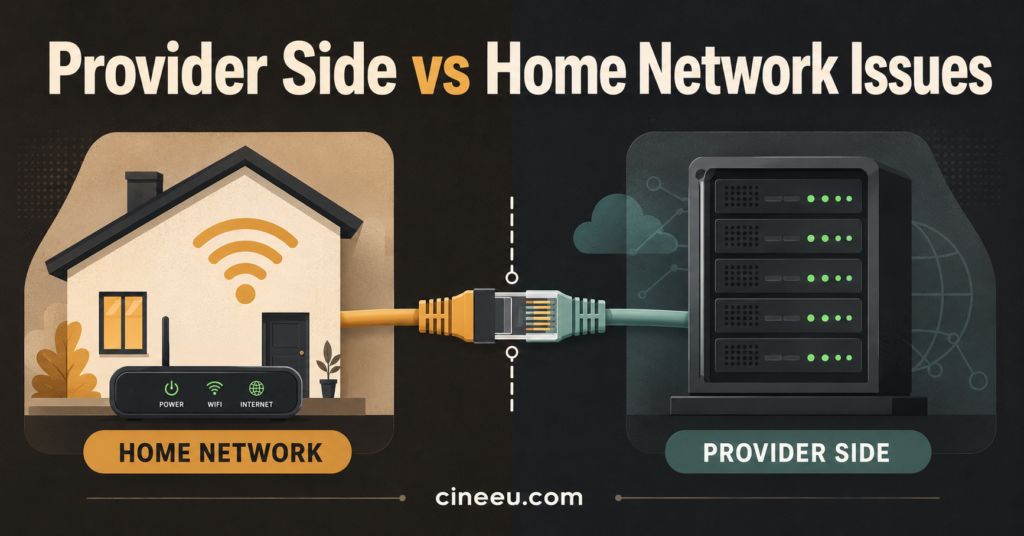
Sometimes none of the above applies because the issue isn’t yours to fix. Servers get overloaded during major sporting events, maintenance windows cause temporary instability, and individual channel sources occasionally need restarting on the provider’s end.
A few signs point toward a provider side issue rather than something on your end: buffering appears suddenly across multiple channels at once, other users of the same service report the same problem at the same time, or the issue clears up on its own within a short window without you changing anything. In these cases, the sensible move is contacting support directly rather than repeatedly resetting your own equipment.
Pro tip: Keep a rough note of when buffering happens over a week. If it’s consistently tied to specific hours or specific channels rather than being random, that pattern is exactly what a support team needs to diagnose it quickly, and it saves you repeating the same troubleshooting steps every time you get in touch.
Symptom | Likely Cause | Next Action
What This Means if You’re Reselling IPTV Accounts
UK IPTV Resellers get buffering complaints from customers regularly, and the instinct is often to assume the panel or the upstream service is at fault. Before escalating anything, it’s worth asking the customer the same diagnostic questions covered above, since a large share of complaints resolve at the customer’s own router or app rather than needing any action from the panel side.
Keeping a simple record of which customers report issues, when, and on which device makes a genuine difference here. If three unrelated customers all report the same channel misbehaving at the same time, that’s a source issue worth passing upstream immediately. If one customer reports constant buffering while nobody else does, the problem almost always sits on their end, and asking a few of the questions above usually resolves it without needing to touch the panel at all.
Frequently Asked Questions
Why does my IPTV buffer only during live sport?
Live sport draws far more simultaneous viewers than an average evening of television, which puts more strain on whichever server is delivering that particular stream. This is one of the few situations where even a strong home connection can still show buffering, simply because of demand on the provider’s side rather than anything wrong with your setup.
Does a VPN help or hurt IPTV buffering?
It depends on the VPN and the server you connect through. A VPN routed through a server that’s far away or overloaded will usually make buffering worse by adding latency. If you use a VPN for privacy reasons, try a server that’s geographically closer to you, or test the stream briefly without it to see whether the VPN is actually the cause.
Can a cheap streaming box cause buffering even with fast internet?
Yes. Budget boxes with limited processing power and memory can struggle to decode certain stream formats smoothly, especially in 4K, regardless of how fast your internet connection is. If buffering only happens on one older device, that device’s hardware is a realistic suspect.
Should I restart my router every time buffering happens?
Not every time, but restarting it periodically as routine maintenance genuinely helps. If a restart fixes buffering repeatedly on the same day, that’s worth mentioning to your internet provider, since it usually points to an underlying connection issue rather than something IPTV specific.
Is 4K streaming always more likely to buffer than HD?
Generally yes, because 4K requires substantially more consistent bandwidth than HD, and any dip in your connection shows up far more quickly at that resolution. If 4K buffers but HD on the same channel doesn’t, dropping to HD is a reasonable interim fix while you sort out the connection itself.
Quick Troubleshooting Checklist
- Note whether buffering affects one channel, one device, or everything
- Run a speed test from the actual streaming device, not just near the router
- Switch to a wired connection if the device supports it
- Move to the 5GHz Wi-Fi band if available
- Clear the app cache and confirm the app is updated
- Close other apps running on the same device
- Check whether the problem coincides with peak viewing hours
- Contact support with specific times and channels if the issue persists
To fix IPTV buffering for good, the pattern matters more than any single setting. Work through the connection, the device, the app and the provider in that order rather than guessing, and most cases resolve within one troubleshooting session. When the cause turns out to be on the provider’s side, a clear description of when and where it happens will get it sorted far faster than starting from scratch every time. For device specific setup help, see the device and app guide, and if buffering keeps returning no matter what you try, it may be worth reviewing what actually makes a reliable IPTV provider before assuming the fault is yours. Resellers working through repeated customer complaints may also find it useful to revisit how a UK IPTV reseller panel is meant to perform as part of that same process.