Book Appointment Now
Best Internet Speed for IPTV: Real Mbps Numbers for 2026
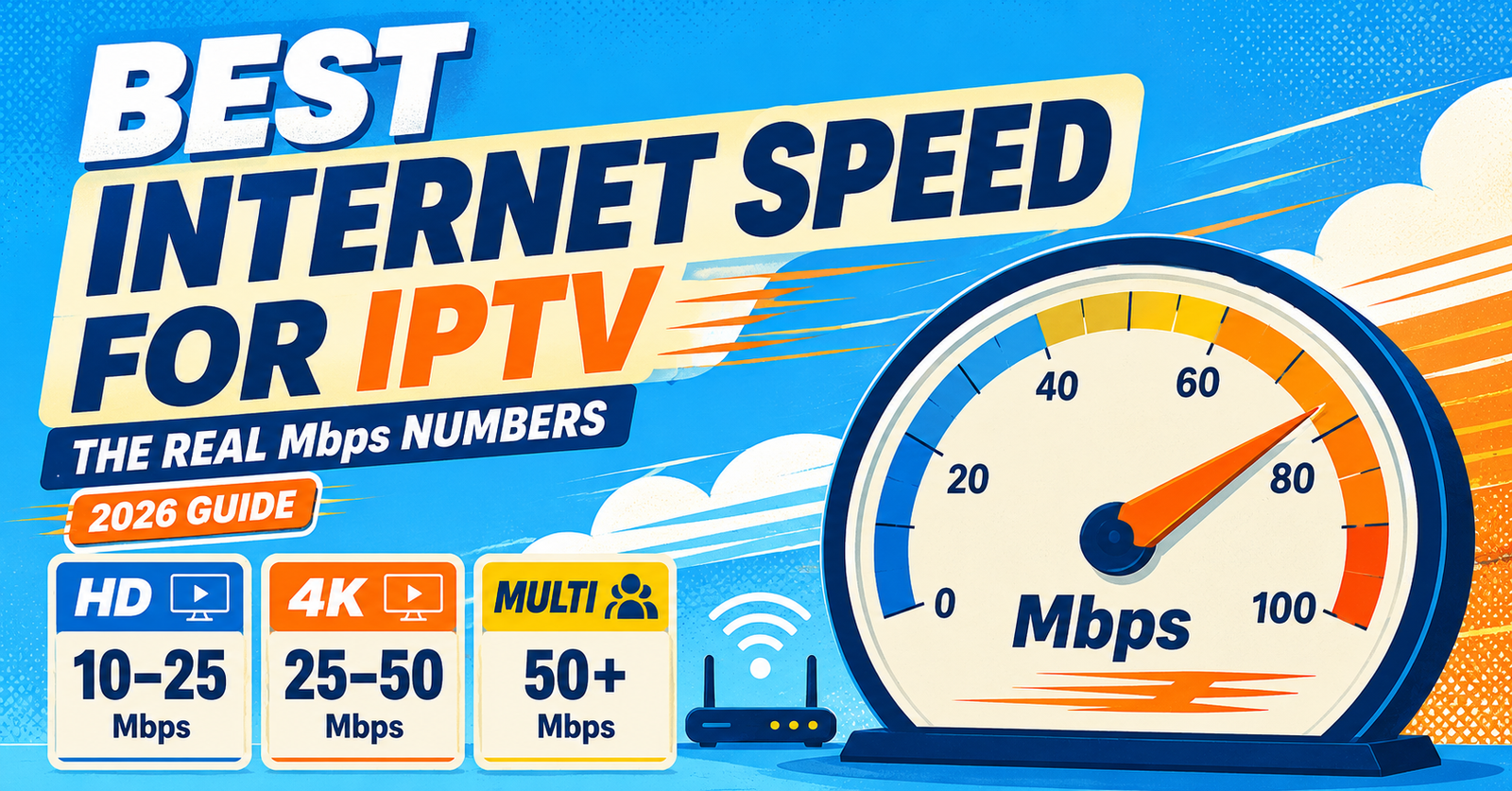
The best internet speed for IPTV isn’t one single number, it depends on the resolution you’re watching and how many devices are streaming at once. For a single HD stream, 15 to 25 Mbps download speed is usually enough. For 4K, you’ll want closer to 50 Mbps, especially if more than one screen is active in the house.
What “Enough Speed” Actually Means for IPTV
Internet speed for IPTV isn’t just about hitting a big number on a speed test. It’s about having a stable, consistent connection that can carry a continuous video stream without dropping frames or buffering mid-programme. A connection that shows 100 Mbps on a speed test but drops packets under load will perform worse than a steady 30 Mbps line that never wavers.
IPTV streams work differently to downloading a file. A file download can pause and resume without you noticing. A live stream can’t. If your connection dips below the required threshold for even a few seconds, you’ll see buffering, pixelation, or a frozen frame. That’s why the headline speed advertised by your broadband provider tells you less than you’d think.
Best Internet Speed for IPTV by Resolution
Here are the practical numbers, based on what each quality level actually needs to stream without interruption.
These figures assume one active stream. Add roughly the HD figure again for every extra device watching something different at the same time. A household with two people watching separate HD streams while a third scrolls on their phone needs more headroom than the table above suggests on its own.
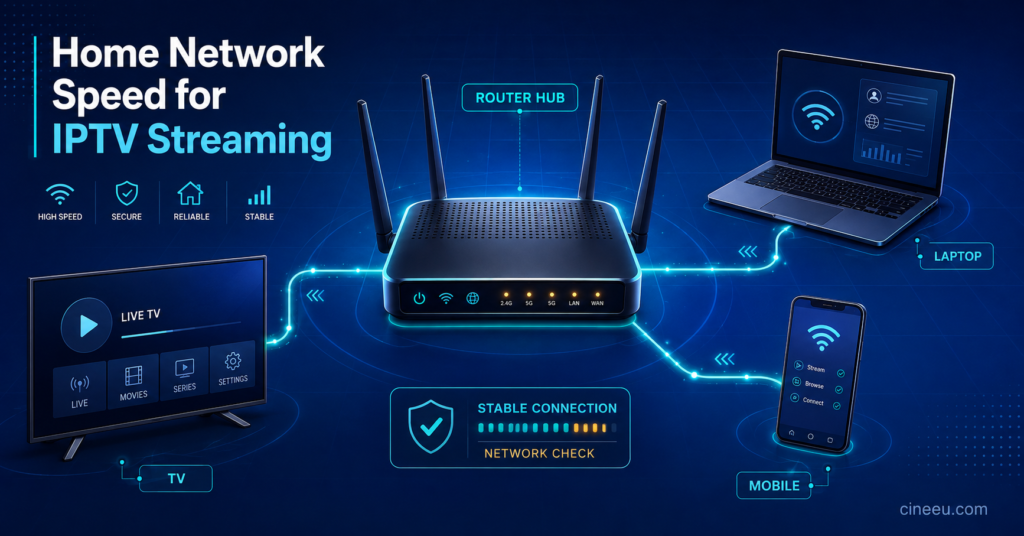
Why Wi-Fi Is Usually the Real Problem, Not Your Broadband Plan
Most buffering complaints aren’t actually caused by a slow broadband package. They’re caused by weak Wi-Fi between the router and the device doing the streaming. A fibre connection rated at 100 Mbps is worthless to a Firestick sitting two rooms away behind a brick wall if the Wi-Fi signal reaching it has dropped to 8 Mbps.
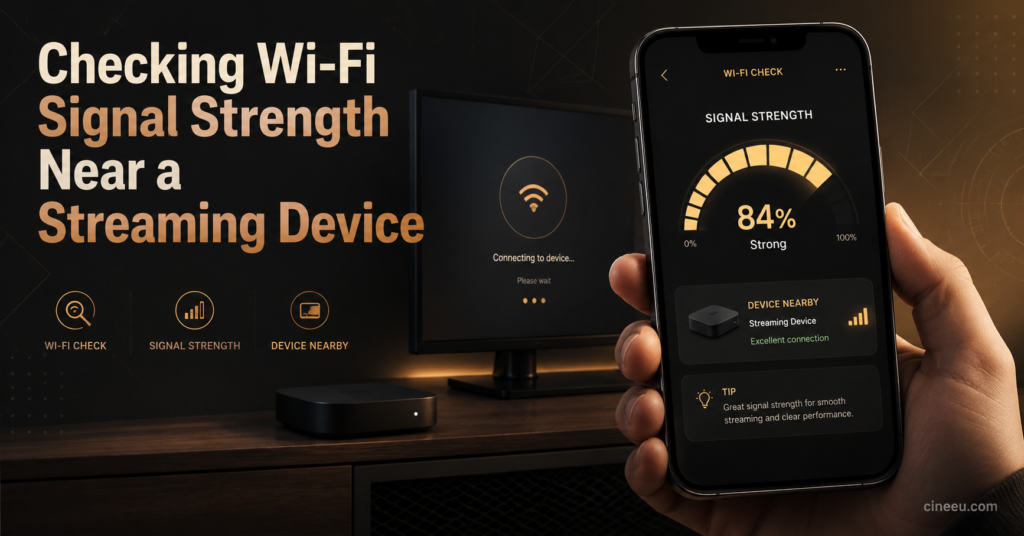
This matters because people often upgrade their broadband package to fix a buffering problem that was never about the broadband in the first place. Before paying for a faster plan, it’s worth checking the actual speed reaching the streaming device itself, not just the speed at the router.
A wired Ethernet connection to a Smart TV or streaming box will almost always outperform Wi-Fi for IPTV, even on a lower-rated broadband plan. If Ethernet isn’t practical, positioning the router centrally and away from thick walls, other electronics, and metal objects makes a noticeable difference.
Pro tip: Run a speed test directly on the device you use for IPTV, not just on your phone standing next to the router. The numbers are often very different.
What Else Affects Streaming Quality Besides Raw Speed
Download speed is the headline figure, but it isn’t the whole picture.
Latency and jitter matter more than most people realise. A connection with low download speed but stable, low latency can outperform a high-speed connection with erratic jitter. Satellite broadband, for instance, often advertises reasonable download speeds but suffers from latency spikes that cause stuttering even when the raw Mbps figure looks fine.
Contention and peak-time congestion also play a role. Many broadband packages, particularly on older cable or shared fibre infrastructure, slow down during evening peak hours when everyone on the street is streaming at once. This is why a connection that tests well at 2pm can struggle at 9pm during a busy evening.
The number of connected devices in the household competing for bandwidth matters too. Background downloads, cloud backups, gaming consoles, and smart home devices all draw from the same pool of bandwidth as your IPTV stream.
Pro tip: If buffering only happens in the evening, that’s a strong sign of peak-time congestion rather than a fault with your line or your IPTV service.
A Simple Way to Work Out What You Actually Need
Rather than guessing, add up your realistic usage:
- Start with the base figure for your preferred quality (SD, HD, or 4K) from the table above
- Add the HD figure again for each additional simultaneous stream in the house
- Add a buffer of at least 20 to 30 percent on top for other household internet use
- Round up rather than down, since real-world speeds rarely match advertised maximums exactly
A household watching one 4K stream and one HD stream at the same time, with normal browsing and background app use, should realistically be looking at a connection rated well above 70 Mbps to have proper headroom rather than running right at the edge of what’s needed.
Considerations for IPTV Resellers Testing Connections
If you’re running an IPTV reseller panel, the speed conversation with customers is often the first thing that determines whether a support ticket turns into a refund request. A customer blaming “bad IPTV” when the real cause is their own weak home Wi-Fi is one of the most common support scenarios resellers deal with.
It’s worth building a short speed-check step into your onboarding process, asking new customers to run a test on the actual streaming device before their first session, rather than troubleshooting blind after a complaint arrives. This alone resolves a meaningful share of quality complaints before they escalate.
Households comparing IPTV subscription pricing sometimes overlook that a cheaper plan on a poor connection will always look worse than a mid-priced plan on a stable one. Speed and service quality are separate variables, and it’s worth testing both before deciding a provider is at fault. The same applies when comparing IPTV providers, since a provider’s server quality only shows its true value once your home connection is no longer the limiting factor.
Frequently Asked Questions
Does IPTV use more data than normal streaming services?
No. IPTV uses roughly the same data per hour as any other video streaming service at the same resolution. An HD stream uses similar data whether it’s IPTV, a standard streaming app, or a video call at the same quality setting.
Can I run IPTV on a 10 Mbps connection?
You can run a single SD or lower-end HD stream on 10 Mbps, but there won’t be much room for anything else happening on the network at the same time. It’s workable but tight.
Will upload speed affect my IPTV viewing?
Not directly, since IPTV viewing is almost entirely a download activity. Upload speed matters more if you’re also uploading large files, on video calls, or running a IPTV reseller panel with heavy account activity at the same time.
Does a mesh Wi-Fi system help with IPTV buffering?
Often yes, particularly in larger homes where the streaming device sits far from the router. Mesh systems reduce the dead zones that cause a strong broadband connection to arrive weakly at the television.
Is fibre always better than cable for IPTV?
Fibre tends to offer more consistent speeds during peak hours, but a well-provisioned cable connection can perform just as well. The consistency during busy evening periods matters more than the label on the connection type.
Getting the best internet speed for IPTV sorted isn’t about chasing the highest number your provider will sell you. It’s about matching your connection, and specifically the connection reaching your streaming device, to the resolution and number of screens you actually use. Check the speed at the device itself, rule out Wi-Fi dead spots before blaming your IPTV service, and build in headroom rather than running right at the minimum.
Streaming Speed Checklist
- Test speed on the actual streaming device, not just your phone
- Confirm your plan’s rated speed against the resolution you watch most
- Use Ethernet for any fixed Smart TV or streaming box where possible
- Check whether buffering happens mainly in the evening, pointing to peak-time congestion
- Add 20 to 30 percent headroom on top of the minimum figure for your household
- Reposition or upgrade your router if the streaming device sits far away or behind walls