Book Appointment Now
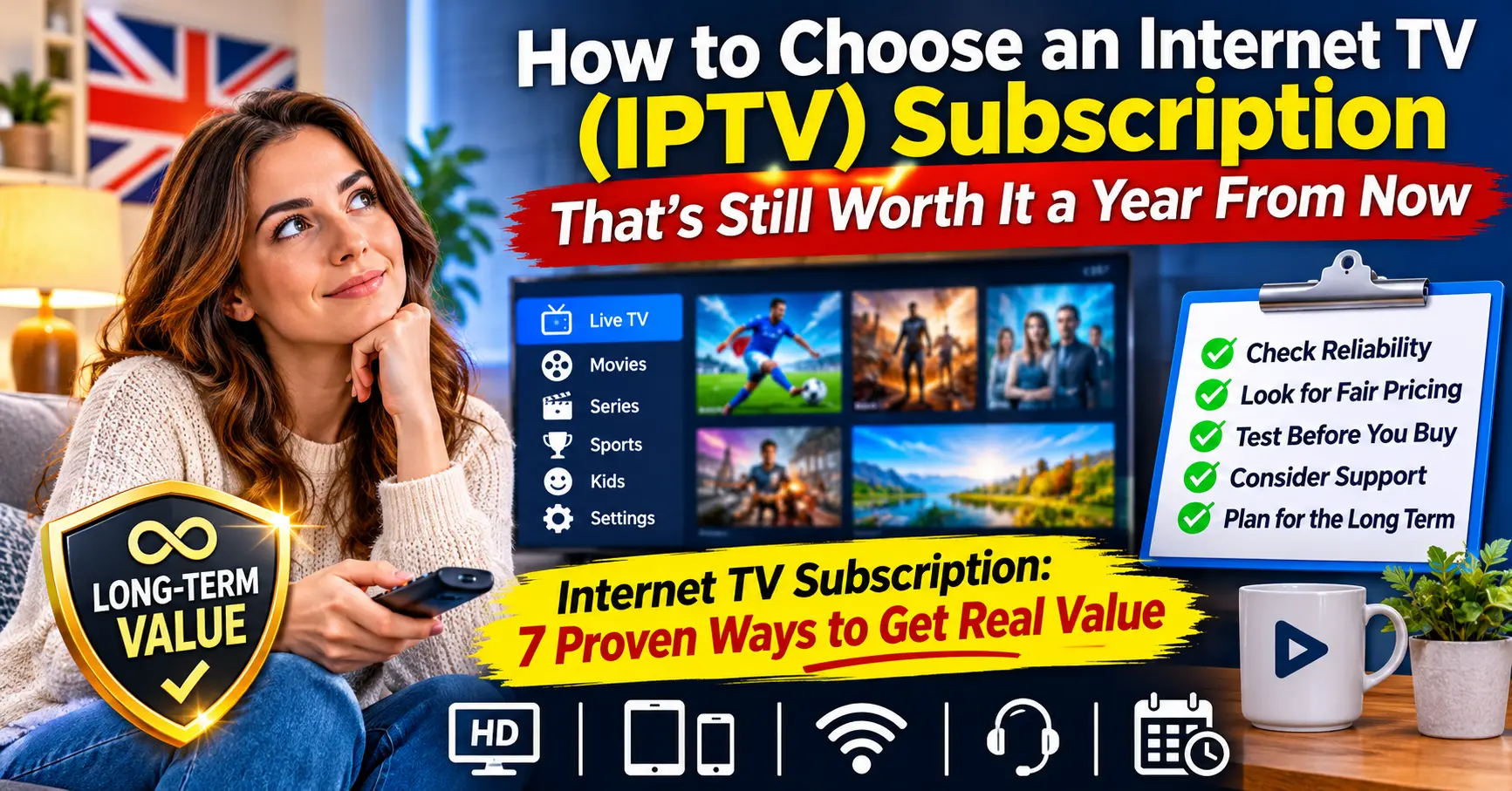
How to Choose an Internet TV (IPTV) Subscription That’s Still Worth It a Year From Now
Most people pay too much for television, and they rarely notice until the second or third renewal. An internet TV subscription should be the cheaper, more flexible option, yet I’ve watched friends end up spending more than they ever did on cable, simply because they picked the wrong service in a hurry.
Thankfully, getting real value isn’t complicated. You need to know what you’re actually buying, who you’re buying it from, and which warning signs to look for before you hand over any money. That’s what this guide covers, based on years of testing services in real living rooms rather than on a spec sheet.
What You’re Really Paying For
Strip away the marketing and an internet TV subscription is three things bundled together. There’s the content, there’s the delivery infrastructure that carries it to your screen, and there’s the support you’ll lean on when something breaks.
Plenty of buyers only look at the first part. They count categories, compare monthly prices and assume the cheapest option with the longest list must be the best deal.
That approach misses where the real differences lie, and it’s an easy trap to fall into. Two services can advertise similar libraries, but one will hold a crisp picture on a busy Saturday evening while the other buffers every few minutes.
I’ve spent the better part of fifteen years around telecoms and streaming technology. If there’s one thing I’d want every viewer to understand, it’s that delivery and support are what you’re truly paying for, because content means nothing if it won’t play.
Seven Proven Ways to Get Real Value From an Internet TV Subscription
These are the habits I recommend to anyone who asks me for advice. None of them need technical skill, just a little patience before you commit.
1. Always Start With a Trial
Any trustworthy IPTV service will let you test before you pay for a long term. Even a 24-hour trial tells you a great deal, provided you use it at the right time.
Quiet afternoons prove very little. Watch during peak evening hours, ideally on a Friday or Saturday, when servers are under the most pressure.
Keep a few notes as you go. How quickly does a stream open, does the picture hold for half an hour without stuttering, and does flicking between categories freeze the app? Those three observations will tell you more about an internet TV subscription than any feature list.
2. Test on Every Screen You Own
Households typically mix a smart TV, a streaming stick, a couple of phones and maybe a tablet. Check the service on each of them, not just the one you use most.
Apps behave differently across devices. Popular players such as TiviMate and IPTV Smarters Pro work well on many boxes, but the programme guide or catch-up feature can still misbehave on one particular model.
3. Check Your Own Connection First
Before blaming a provider for buffering, rule out your broadband. A quick run on Ookla’s Speedtest will show whether your line can handle high-definition streams comfortably.
As a rough guide, I’d want a steady 25Mbps or more for a single HD stream, with extra headroom for every additional screen in use at the same time. Wi-Fi in a back bedroom is often the real culprit, so try a wired connection if you can.
4. Ask About Content Rights
This is the question most viewers never think to ask, and it’s one of the most important. A legitimate IPTV provider should be able to explain what rights it holds for the content it delivers and in which countries.
Regulators such as Ofcom publish plain-English guidance on how broadcasting and content licensing work in the UK. If a seller gets evasive or changes the subject when you raise the topic, treat that as your answer.
Consumer groups like Which? have also warned viewers about services that look official but aren’t, so a few minutes of reading can protect both your money and your peace of mind. A properly run internet TV subscription has nothing to hide on this front, and a good seller will usually welcome the question rather than dodge it.
5. Read the Small Print on Connections
Paying for one subscription doesn’t always mean a single price for the whole family. Many services charge per simultaneous connection, so watching on two screens at once can cost noticeably more.
Find out how many devices can stream together, whether you can swap devices freely, and what happens if someone logs in from a second location.
Families get caught out by this all the time. Picture a Sunday evening where one person is watching in the lounge, a teenager is streaming upstairs and someone else opens the app on a phone in the kitchen. If your plan only covers two connections, somebody’s screen goes dark, and the argument that follows is rarely about television.
6. Judge the Support Before You Need It
Send a simple question before you buy and see how long the reply takes. Then send a slightly harder one, perhaps about setting up the guide on a specific device.
Quick, clear, friendly answers are a strong sign. Copy-pasted replies or days of silence tell you exactly how a real problem will be handled later.
Pay attention to the channel of support as well. Some sellers only respond through one messaging app, while others offer email, a ticket system and live chat. If you’re not comfortable with the method they use, that friction will matter far more when your screen goes blank on a Saturday night.
7. Don’t Chase the Lowest Price
Cheap can be fine, but suspiciously cheap rarely is. If one offer is a fraction of every competitor’s price, something is being cut, and it’s usually reliability or support.
You’ll find this pattern covered in more depth in The Bargain Panel Trap: How to Buy Cheap Without Paying Twice → /the bargain panel trap, and it’s worth a read before you buy anything that looks too good to be true.
Red Flags That Should End the Conversation
Some warning signs are subtle, but others should stop you in your tracks. Over the years I’ve learned to walk away the moment I see any of these:
- No trial of any kind. A confident IPTV provider wants you to see the service working. Refusing even a short test usually means they know it won’t hold up.
- Pressure to buy a long plan immediately. Discounts for twelve months are normal, but countdown timers and “today only” messages are a sales tactic, not a sign of quality.
- Payment only through unusual methods. If the only options are untraceable transfers, you’ll have no protection if the service disappears.
- No clear business identity. You should be able to find a consistent name, a working contact address and some history of trading.
- Silence on content rights. Any honest seller can at least explain their position in a sentence or two.
- Reviews that all sound identical. A wall of five-star comments posted in the same week, in the same tone, deserves suspicion rather than trust.
None of these alone proves a service is bad. Two or three together, though, and I’d close the browser tab without a second thought.
Buying Direct or Through an IPTV Reseller?
Here’s a question I get asked more often than almost any other. Should you buy straight from an IPTV provider, or through an IPTV reseller who sells access on their behalf?
Truthfully, there’s no universal right answer. Both routes can work well, and both can go wrong, so it helps to compare them side by side.
| Factor | Buying direct from a provider | Buying through an IPTV reseller |
|---|---|---|
| Price | Sometimes lower at the source | Often similar, occasionally with local bundles |
| Support | Can be slow or ticket-based | Often more personal, by message or phone |
| Setup help | Usually generic guides | Frequently hands-on, device by device |
| Accountability | One company to deal with | Depends on the reseller’s own supplier |
| Flexibility | Fixed plans | May offer tailored terms or shorter trials |
| Risk if things change | Provider closes, service ends | Reseller can move you to a new supplier, if they’re organised |
Working with a good IPTV reseller can be a genuine asset, especially if you aren’t confident with technology. You get someone who knows your setup, answers in your language and walks you through problems that a large provider would simply ticket and forget.
Remember, though, that a reseller is only as reliable as the supplier behind them. Ask which infrastructure they use, how long they’ve been trading and what happens to your subscription if their supplier changes.
Good resellers won’t mind these questions at all. In my experience, the ones worth buying from are usually proud of the IPTV provider they work with and happy to explain why they chose it, while the weaker ones tend to go quiet or simply repeat the price.
A Tale of Two Households
Let me give you a scenario I’ve seen play out more than once. Two neighbours, let’s call them Sarah and David, both decide to cancel expensive satellite packages in the same month.
Sarah spends a week testing, which feels slow at the time. She takes a trial, watches on her TV and her son’s tablet on a Saturday night, asks a few questions and picks a mid-priced service from a local seller who replies within the hour.
David finds a deal online at about a third of the usual price and pays for twelve months on the spot. It works beautifully for three weeks.
Then the busy evenings arrive, as they always do, and David’s picture starts freezing whenever more people are online. His messages to support go unanswered, the seller’s website disappears in month four, and he ends up buying a second subscription anyway. Sarah, meanwhile, is still on her original plan and hasn’t thought about it since.
Who really got the better deal? On paper, David saved money. In practice, he paid twice and spent hours chasing a seller who’d vanished.
I don’t tell this story to make David look foolish. Almost everyone I know has made a version of his mistake at some point, myself included, because a bargain feels like a win right up until the moment it isn’t.
The Costs Nobody Puts on the Price List
Your monthly figure is only part of what you’ll spend. Before you commit to any internet TV subscription, it’s worth thinking about the less obvious costs that tend to appear later.
Hardware is the first. A cheap or ageing streaming box can struggle with modern apps, and replacing it might cost more than a couple of months of service. If you’re budgeting for an internet TV subscription from scratch, set aside something for a decent device too.
Broadband is the second. If your current package can barely cope, you may need an upgrade, which quietly adds to the true monthly cost of switching.
Time is the third, and it’s the one people forget most often. Every evening spent restarting apps, re-entering logins or waiting for support has a cost, even if it never appears on a bank statement.
Finally, there’s the cost of switching again. If you choose badly, you’ll repeat the whole process, including setup, learning a new app and possibly paying for overlapping months.
How Long Should You Commit For?
Long plans are tempting because the monthly price drops sharply. Twelve months often costs far less per month than paying as you go, and some sellers make the gap very attractive indeed.
My rule of thumb is simple. Start with a single month after your trial, even if it costs a little more, and only move to a longer plan once the service has survived a few busy weekends in your home.
Why be so cautious? Because the biggest losses I’ve seen haven’t come from people overpaying slightly each month. They’ve come from people paying for a year upfront and losing most of it when a service collapsed in month three.
One exception is worth mentioning. If you’ve used the same IPTV service happily for several months, and the seller has a clear history and refund policy, a longer plan can be genuinely good value.
Is Your Home Ready for an Internet TV Subscription?
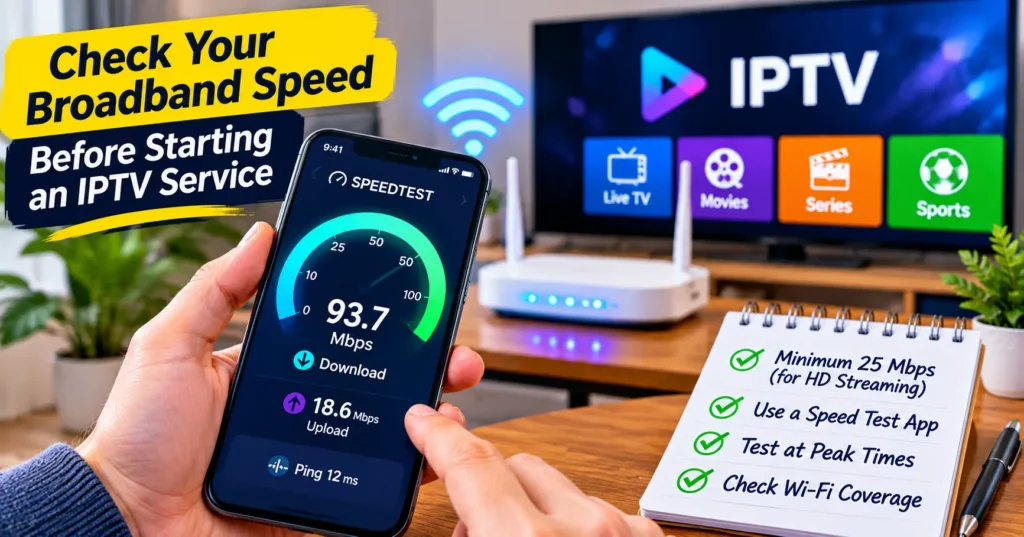
Run through this short list before you buy. If you can tick most of it, you’re in a strong position to choose well.
- Your broadband reliably delivers enough speed for every screen you’ll use at once
- Your main TV device is less than four or five years old and receives app updates
- You’ve tested the service during a busy evening, not just a quiet afternoon
- You know how many simultaneous connections the plan includes
- You’ve asked the seller about content rights and received a clear answer
- You’ve contacted support at least once and judged the reply
- You know the refund policy and what happens if the service changes
Is that a lot of homework for a TV service? Perhaps, but it takes an evening or two, and it can save you a year of frustration.
Where I’d Put My Own Money
If a friend asked me tomorrow how to choose an internet TV subscription, my advice would be short. Test properly, buy from someone who answers your questions honestly, and never let price be the only thing that decides.
Reliable IPTV service doesn’t have to be the priciest option on the market. It needs to work on your devices, at your busiest times, with real people behind it when something goes wrong.
Reviewing your internet TV subscription once a year is also sensible, just as you would with insurance or broadband. Prices change, your household’s habits change, and a quick check can save you a surprising amount.
Take your time with this decision. The right internet TV subscription fades into the background of your evenings, and that quiet reliability is the best sign you’ve chosen well.
Frequently Asked Questions
What is an internet TV subscription?
It’s a paid service that delivers television content over your broadband connection rather than through a satellite dish or cable line. You watch through an app on a smart TV, streaming stick, phone or tablet. Most services charge monthly, quarterly or yearly. The quality you get depends heavily on the provider’s infrastructure and your own internet speed.
How much internet speed do I need for an internet TV subscription?
For a single high-definition stream, around 25Mbps of steady speed is a comfortable starting point. You’ll need more if several people watch at the same time on different screens. A wired connection usually performs better than Wi-Fi in a distant room. Running a speed test during the evening gives you the most realistic picture.
Is it safer to buy from an IPTV provider or an IPTV reseller?
Neither option is automatically safer, because it depends on the business behind the sale. A direct provider gives you one point of contact, while a reseller often offers more personal support and setup help. In both cases, ask about content rights, refund terms and how long they’ve been trading. Clear, confident answers are a much better guide than the sales pitch.
Why does my IPTV service buffer in the evenings?
Evening buffering usually means the provider’s servers are struggling under peak demand, or your own connection is congested. Start by testing your broadband speed and trying a wired connection. If the problem continues while your speed is fine, the service itself is likely overloaded. Persistent peak-time buffering is a strong reason to switch.
Can I use one internet TV subscription on several devices?
Many services let you install the app on several devices, but limit how many can stream at the same time. A standard plan often covers one connection, with extra connections costing more. Check this before you buy, especially in a busy household. It’s also worth asking whether you can watch away from home.
[…] For a broader look at judging long-term value before you buy, I’ve written a companion guide on How to Choose an Internet TV (IPTV) Subscription That’s Still Worth It a Year From Now → /how to choose iptv subscription worth it a year from now. […]